 Cytkit Build Instructions
Install and run the software
Step 1: Install Honeychrome
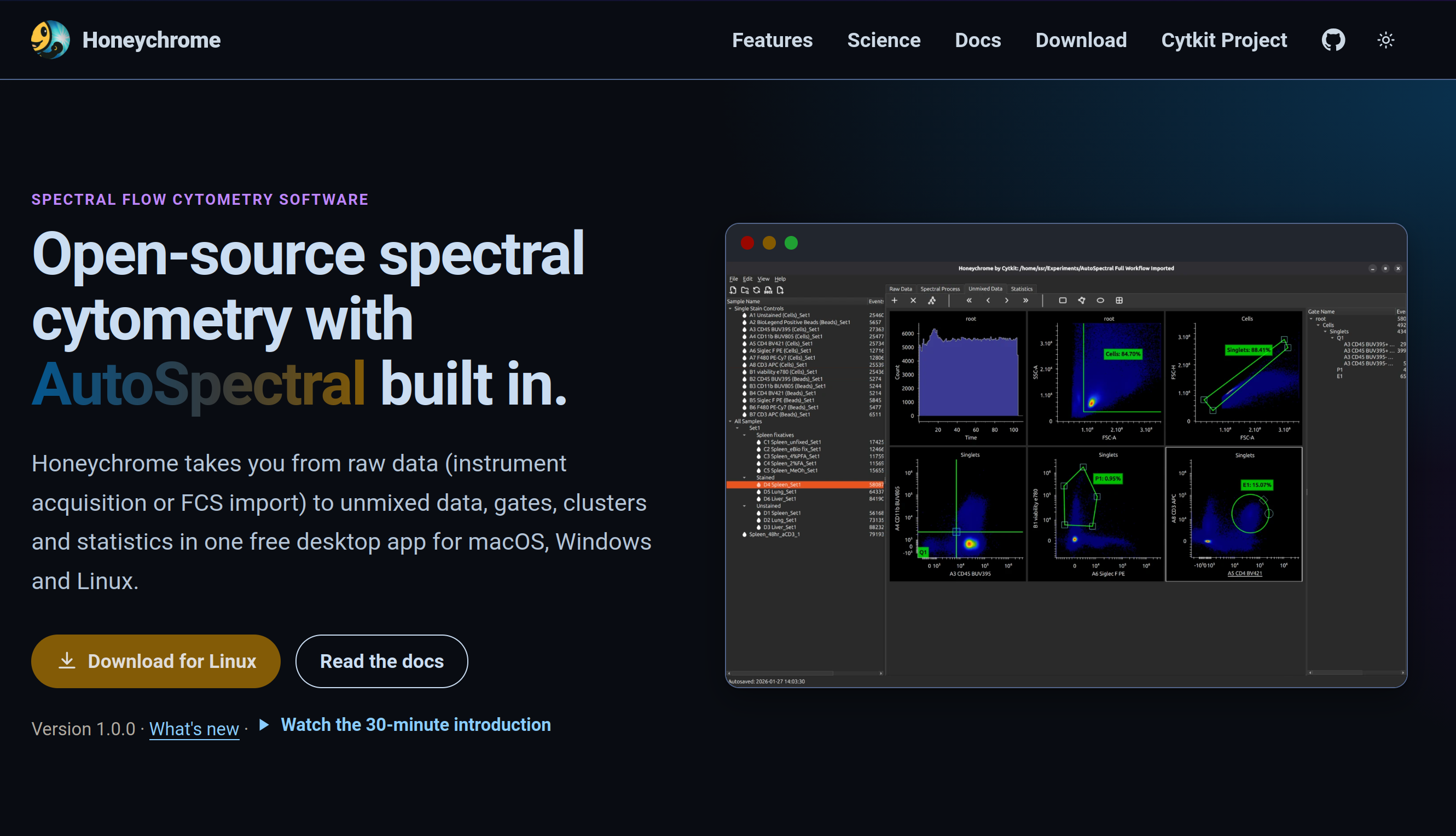
Honeychrome is an open-source cross-platform software package for flow cytometry data acquisition and analysis. It contains drivers for both Cytkit 1S-1F and Cytkit 2S-14F.
The Honeychrome package can be downloaded for Windows, MacOS or Linux, run from Python source or the Python package manager PyPI. See https://honeychrome.cytkit.com/ for full instructions.
Step 2: Install Picoscope software (Cytkit configuration 1S-1F only)
Honeychrome includes a driver to acquire data from a Cytkit 1S-1F using the Picoscope 5000 series oscilloscope. However this requires the separate download and installation of the PicoSDK from Pico Technology.
In addition, for the Cytkit configuration 1S-1F only, it is recommended to install the Picoscope software (Picoscope 7) for the Picoscope 5000 series oscilloscope can be downloaded from picotech.com. It is useful in the exploration and recording of data from the oscilloscope. It cannot be run simultaneously with the Honeychrome app.
Step 3: Connect to hardware and run Honeychrome
Connect your Cytkit via a USB cable to your host PC and power it on. Then run Honeychrome. Enable the Cytkit Hardware Tab by going to App Configuration > Bundled Plugin > checkbox "Cytkit Hardware".
If your hardware is functioning correctly, Honeychrome will report a successful connection.